Contents
What the site answered on our last check
| Field | Value |
|---|---|
| What we requested | frendi.ai |
| When | 22 October 2026, 15:28 UTC |
| Result | answered 200 in 747 ms |
| From where | the build server of this site, outside the US and EU |
So the service was alive at the moment of the check. If it does not open for you, the cause is further down this page — network, login, limit or a block.
One honest request from our side at the moment stated above. This is not monitoring and not a live status, and it is not an answer to «does it open for me» — for that, use the check below. Services that promise a live status for any brand usually show the same single request without saying where they looked from.
Check it from your own connection
The probe above ran from our server, which is somewhere else entirely — so it cannot tell you whether the site opens for you. Your browser can: it will try to load the service's own icon from frendi.ai directly. Nothing is sent to us and nothing is stored.
What this actually tests: whether a request from your network reaches the service's domain. The icon can also fail because of an ad blocker or a privacy extension — turn those off and try again.
Our log of checks
| When | Answer |
|---|---|
| 22 October, 15:28 UTC | 200 in 747 ms |
| 17 October, 15:27 UTC | 200 in 625 ms |
| 8 October, 13:30 UTC | 200 in 11 373 ms |
| 4 October, 12:46 UTC | 200 in 639 ms |
| 4 October, 12:45 UTC | 200 in 657 ms |
| 3 October, 10:18 UTC | 200 in 648 ms |
Started on 3 October. This is not continuous monitoring: a check runs whenever the page is rebuilt, so the gaps are uneven — but every row is a real request, not a drawing.
First: did it break, or did it run out?
- Message limit. The free plan gives 30 messages a day; when they are gone, the character does not reply until the limit resets.
- Are you logged in? Chats do not open without an account. If the session dropped, log in again via Yandex, VK, Mail.ru or e-mail.
- FC balance. Voice and extra generations will not work at zero balance — that is not an error.
- Maintenance. The terms (clause 4.3) explicitly reserve the right to suspend access temporarily. Wait and refresh.
- Another browser or incognito mode. An installed PWA may keep an old version — open the site directly.
Where to write
The support form at frendi.ai/support, e-mail info@frendi.ai, the Telegram and VK communities — outage and update news is published there. Note that support works in Russian.
If you need a fallback
The case for Frendi AI
A disclosed legal entity and a support e-mail — if the service is down, there is someone to write to and hold to the terms.
The case for HoneyChat
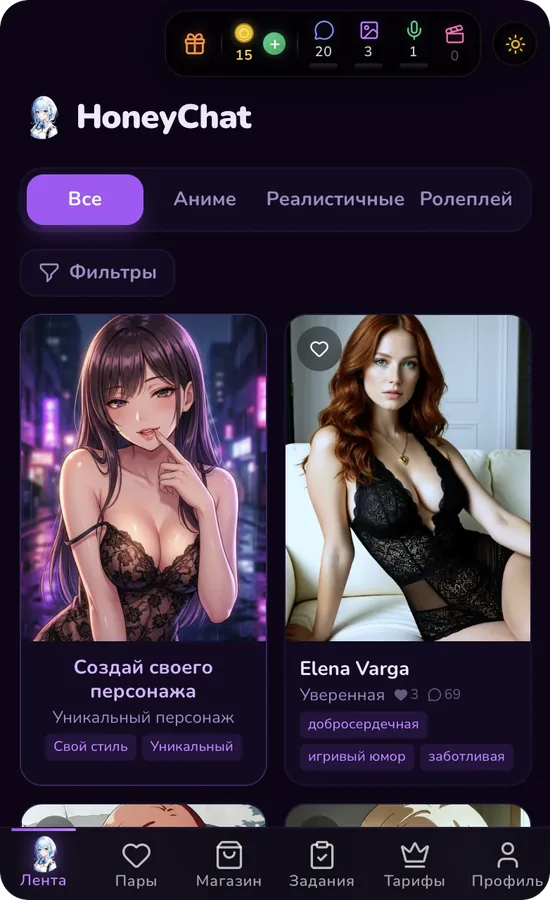
A second entrance — Telegram: if the browser version is unavailable, the same character and the same history open in the bot, and vice versa.